
MCP server · self-hosted · MIT
Memory for your agents that you can read, diff and verify
okf-notebooks is an MCP server that gives Claude Code, Claude Desktop, opencode and other MCP clients shared, persistent memory in the form of notebooks: plain directories of Markdown files in the OKF format under one git repository. A human reads and verifies what the agents wrote in a built-in web UI.
The idea
Agents forget everything between sessions, and what they remember lives in a vendor’s private store. okf-notebooks puts that memory where you can see and control it.
Plain files
Every note is a Markdown file with YAML frontmatter. Read it in any editor, diff it with git, revert a bad write with git revert, back it up with git push.
Shared between agents
Claude Code, opencode and an external harness read and write the same notebooks, each under its own token and permissions.
A human decides what is trusted
Everything an agent writes stays draft. Only a person can mark a note verified, stable or deprecated, and any later agent edit clears the mark.
Safe by construction
Identity and permissions come from the token alone; notebook text reaches the agent as data inside nonce markers; anything that looks like a secret is rejected on write.
How it works
- Agents writeThrough MCP tools: search, read, write and update notes, with
etaglocking for concurrent agents. - Git recordsOne commit per write with the actor in the message, optional background push to a private remote.
- Notebooks stay typedEach notebook has a
scopeand a vocabulary of note types (Decision,Playbook…) with required fields and an aging period. - A human reviewsIn the Review UI or the CLI: read, mark verified, browse diffs, answer comment threads, approve requests for new notebooks and types.
What it is not
Not a vector database, not a hosted service and not a multi-tenant system. It is a small self-hosted server for one person or one team that wants their agents’ knowledge to stay in reviewable files.
Review UI
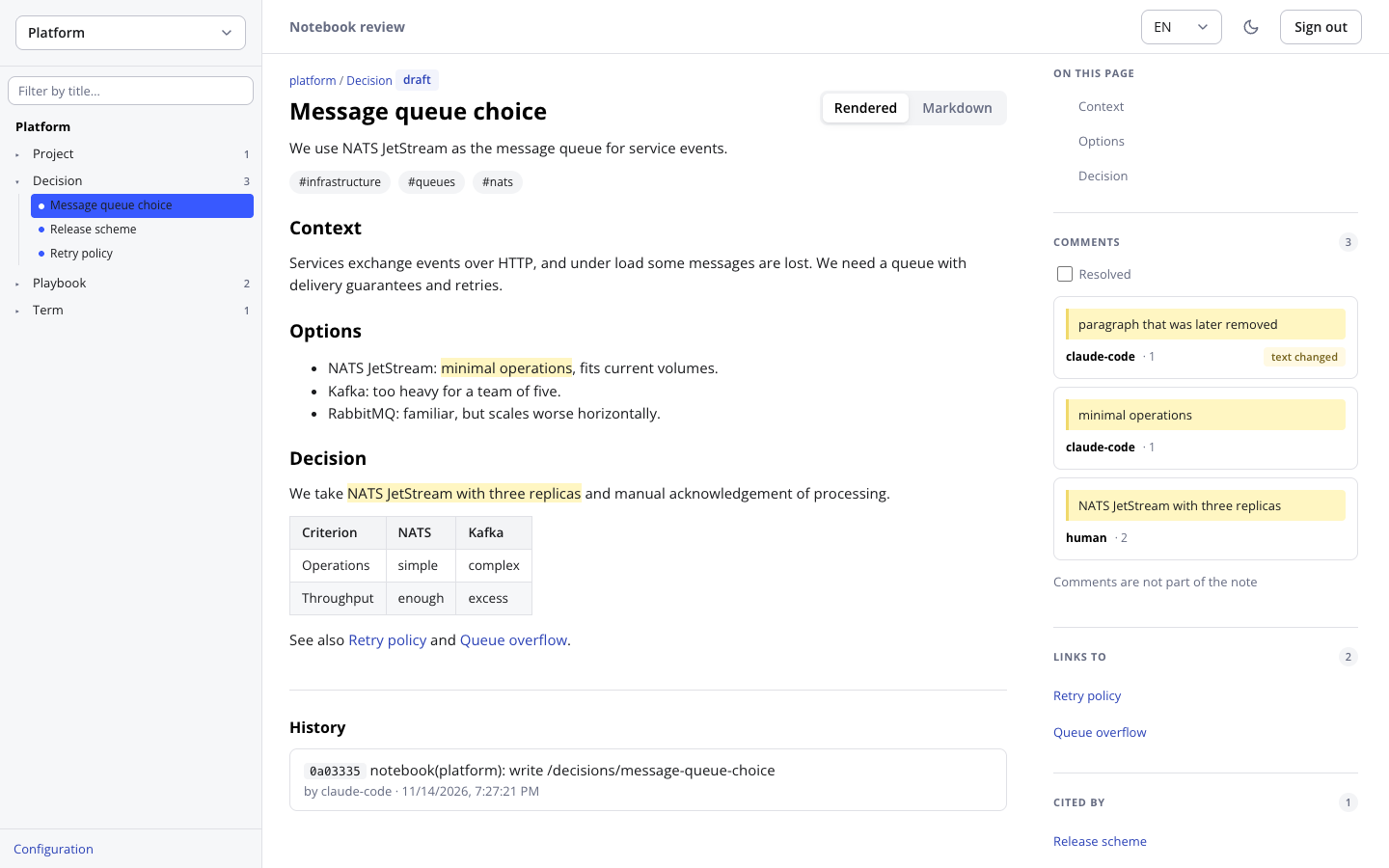
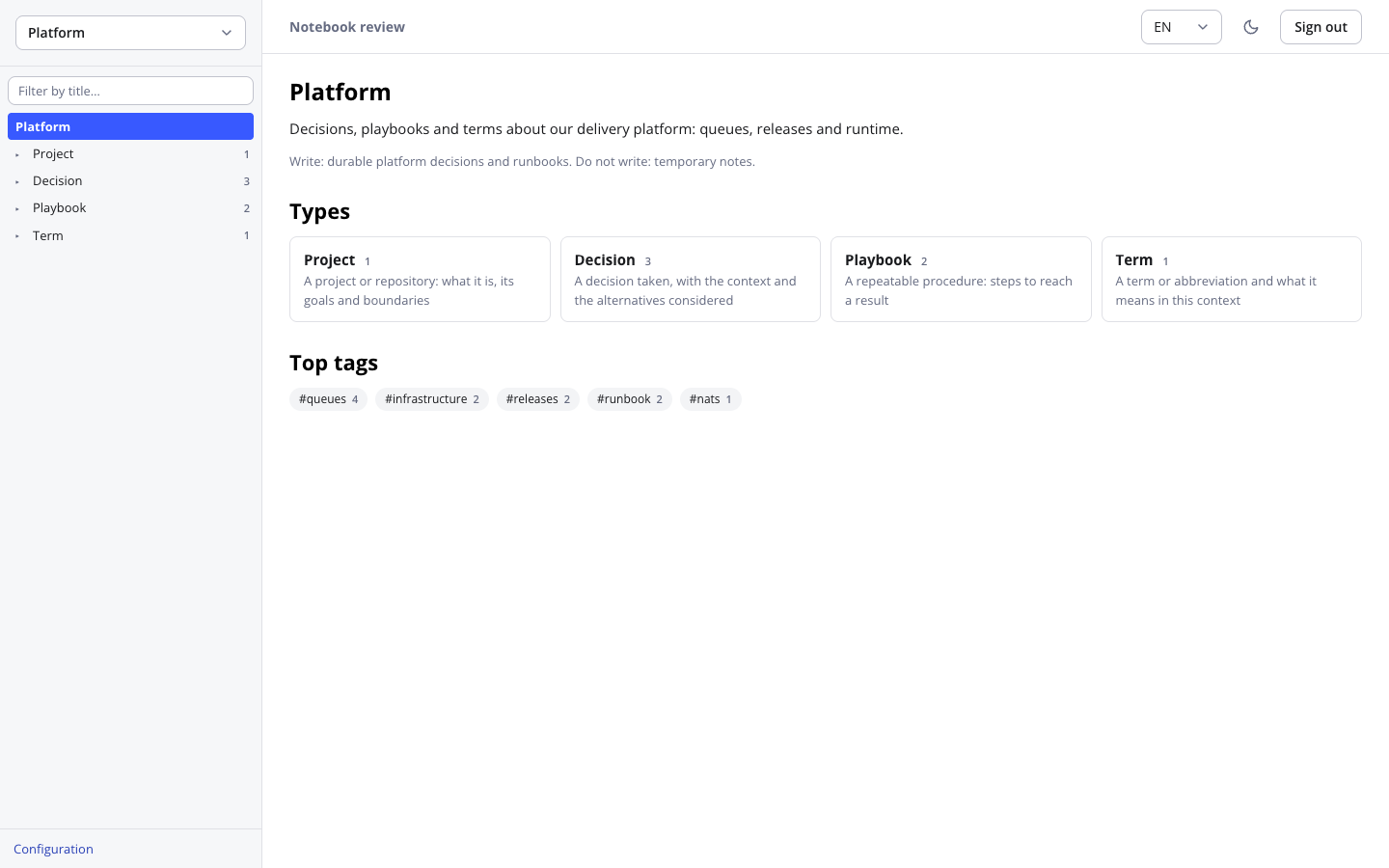
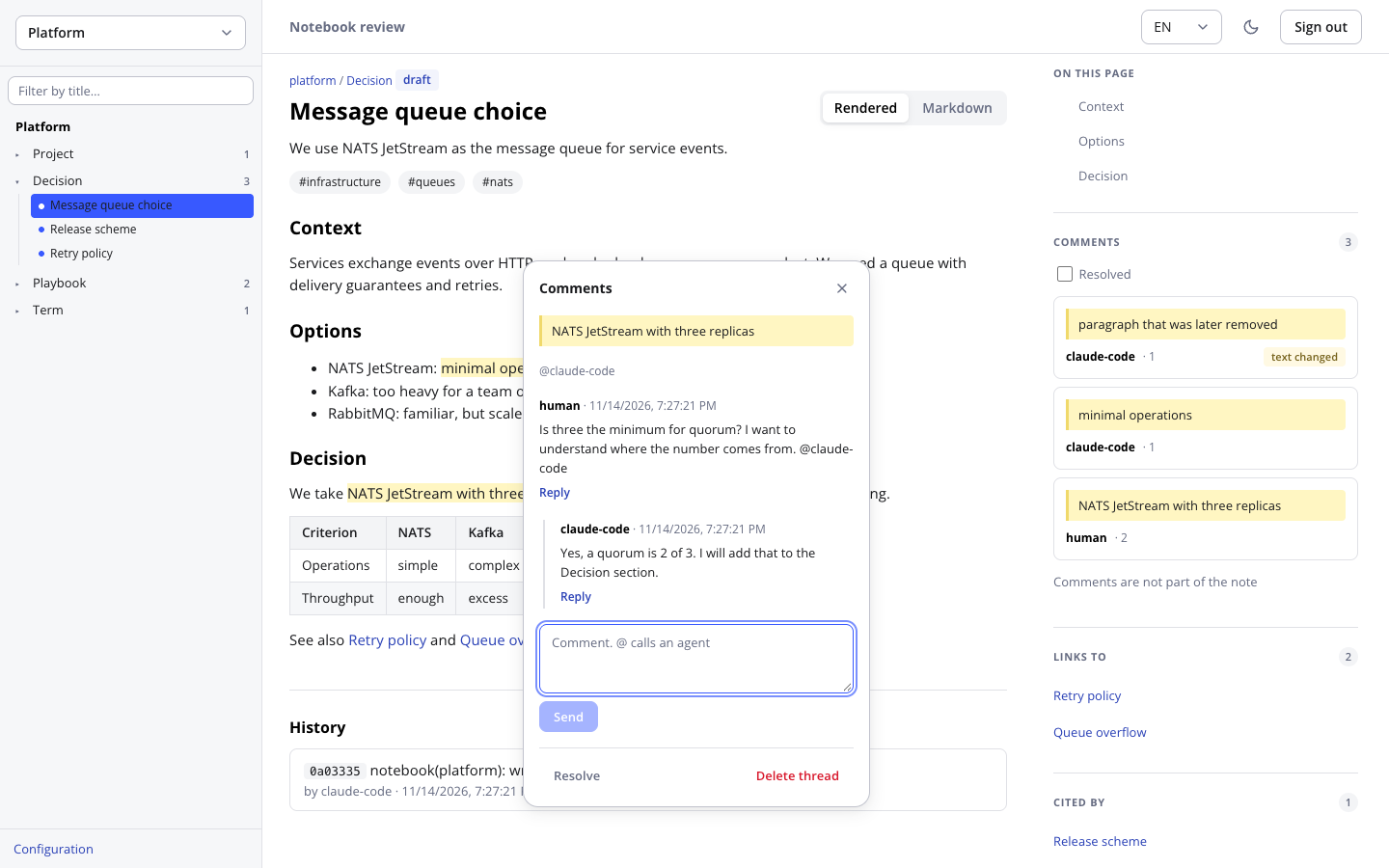
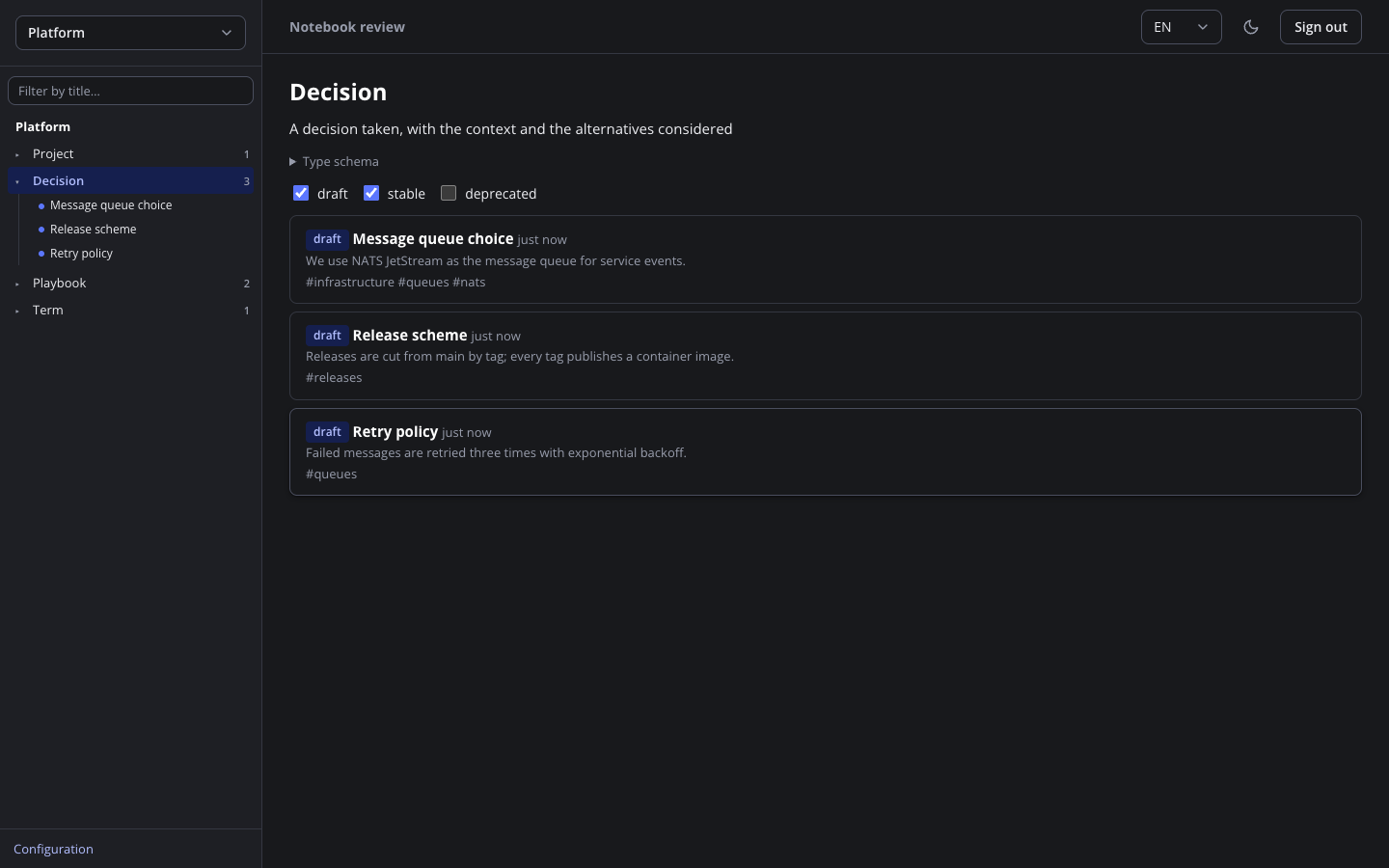
Opt-in and served by the same process: notes with links and backlinks, revision history with diffs, tables and Mermaid diagrams, comment threads that agents can answer.
Quick start
Requirements: Docker with Compose. Python 3.11+ with uv works too, see the Install page.
Configure
git clone https://github.com/justcrafter/okf-notebooks.git
cd okf-notebooks
mkdir -p data config
cat > config/config.yaml <<'EOF'
root: /data
server:
  host: 0.0.0.0
  allowed_hosts: ["127.0.0.1:8765", "localhost:8765"]
EOF
Run
The password is optional and enables the Review UI on the same port.
export OKF_NOTEBOOKS_UI_PASSWORD='a-long-random-password'
OKF_NOTEBOOKS_UID=$(id -u) OKF_NOTEBOOKS_GID=$(id -g) docker compose up -d
Create a token and a notebook
docker exec -it okf-notebooks okf-notebooks token create --actor claude-code --label laptop
docker exec -it okf-notebooks okf-notebooks notebook create demo \
  --description "Notes on the demo project: decisions, terms, runbooks" \
  --scope "Durable facts and decisions about demo; no temporary notes" \
  --preset core
Connect Claude Code
claude mcp add --transport http notebooks http://127.0.0.1:8765/mcp \
  --header "Authorization: Bearer <token>"
What people use it for
Memory for one agent
Claude Code keeps decisions, terms and runbooks between sessions, and you can open every note in an editor.
A project knowledge base
The dev-project preset: glossary, ADRs, specs, tickets, research and bugs in one notebook.
Several agents, one memory
Claude Code writes, opencode extends, a CI harness only reads, each under its own token.
Human review
Agents write drafts; a person verifies them, and an agent edit clears the mark.
Notes you already have
Bring an existing OKF directory, such as a project’s docs folder, under management.
Across machines, with backup
Reach the server over LAN or Tailscale, push history to a private git remote.